Sometime this year, you handed a job to AI that a person used to do. Maybe it was drafting client follow-ups, or moving new leads from your website form into the CRM. You set it up over a weekend, and for about six weeks it worked flawlessly.
Then one Wednesday, the automation that moves new leads into the CRM quietly stopped. Nothing crashed and nobody got an error. New inquiries sat in a form nobody checks, and it was eleven days before a prospect emailed to ask if anyone was there.
Nobody did anything wrong. The tool worked exactly as it was built. The trouble is that nobody owned it.
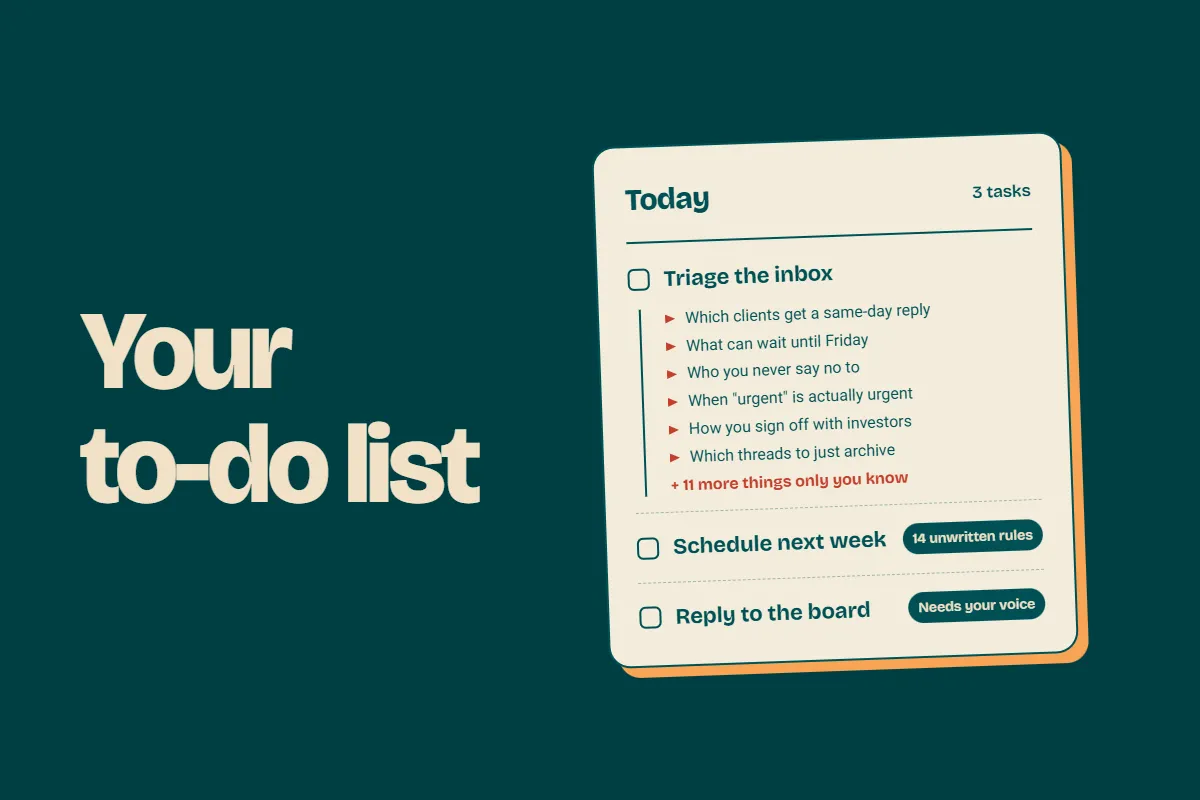
The task went away. Four jobs showed up.
When you swap a task for an AI tool, the task really does disappear. What’s left are four smaller jobs that come with any system.
Feeding it. Giving it what it needs to do the job each time: the client notes, the right files, the details of this particular request. AI can only work with what it’s handed, and someone has to do the handing.
Checking what it produces. AI sounds just as confident when it’s wrong as when it’s right. Someone has to read the follow-up before it goes out, or at least spot-check the tenth one.
Fixing it when it breaks. An app updates or a field gets renamed, and the automation fails without telling anyone. Someone has to notice before a client does.
Updating it when the business changes. You add a service or change your pricing, and the prompts you wrote in the spring still describe the business you were in the spring.
None of these is a full-time job. Together, they’re a real one.
Who’s doing those jobs right now?
For most owners, the honest answer is you.
You built it because you were the one who wanted it, so when it breaks, it breaks to you. When the output is off, you’re the one who catches it. Everything plugs back into you, the same way it did before the tool showed up. The bottleneck is back in a new costume.
None of this means the tools are bad. They’re good, and they get better every month. A system without an owner just becomes yours by default.
Where AI stops
AI is very good at the first 70% of a lot of tasks. The last 30% is judgment. It’s deciding what’s worth automating at all, and catching the output that’s technically correct and completely wrong for this particular client.
That 30% is where your business actually lives. It’s also the part no tool will own for you.
What owning it looks like
There are two common shapes, and plenty of businesses need both.
A specialist who builds it. Someone who sets up automations and AI workflows for a living can map what you’re doing by hand, build the system properly, test it and write down how it works. That’s usually a project with a clear finish line, which makes it a good fit for a flat-rate project (link: backburner post).
An executive assistant who runs it. Once it’s built, someone needs to live with it day to day, reviewing what it produces and adjusting it as the business changes. An EA who works with AI every day does that as part of the job, alongside the work that still needs a person.
The difference shows up on the Wednesday something breaks. When someone owns the system, they catch it that day. When nobody does, you find out eleven days later from a prospect.
How it works at Nacho
Every tool we use keeps changing, and so do we. The only reason our automations keep up is that someone owns them: Lauren Lea Warren, our Operations Manager. She builds them, and she keeps them running.
One of them is a workflow in our talent pipeline, which she built with help from AI. Its last step sends our team a Slack notification whenever an application moves to the next stage. It’s a small step that keeps applications from stalling.
Getting it right took a lot of trial and error. As a team, we had to work out which criteria actually mattered at each step and which didn’t, and Lauren Lea adjusted the automation as we figured it out. No tool could have made those calls for us.
Even now, it connects two things that change without asking us first. Slack ships updates, and we adjust our own application process in the Nacho App, which Zack, our CEO, built himself with AI. Either one can stop that notification without any warning.
It has happened more than once. The first part of the workflow ran exactly as it should, and the Slack notification at the end never fired. Nothing flagged it. Lauren Lea caught it because she checks, then dug through the whole workflow to figure out why it hadn’t finished.
An automation that worked flawlessly last Wednesday has no obligation to work this Wednesday. The only way to know is to have someone looking.
She also knows when something is more than a quick fix, and when it’s time to call in reinforcements. That judgment is the part of the system no tool provides.
One question to ask this week
If your automation broke today, who would notice? And who would fix it?
If the answer to both is you, that’s the job worth handing off.
Talk to us about AI-fluent talent